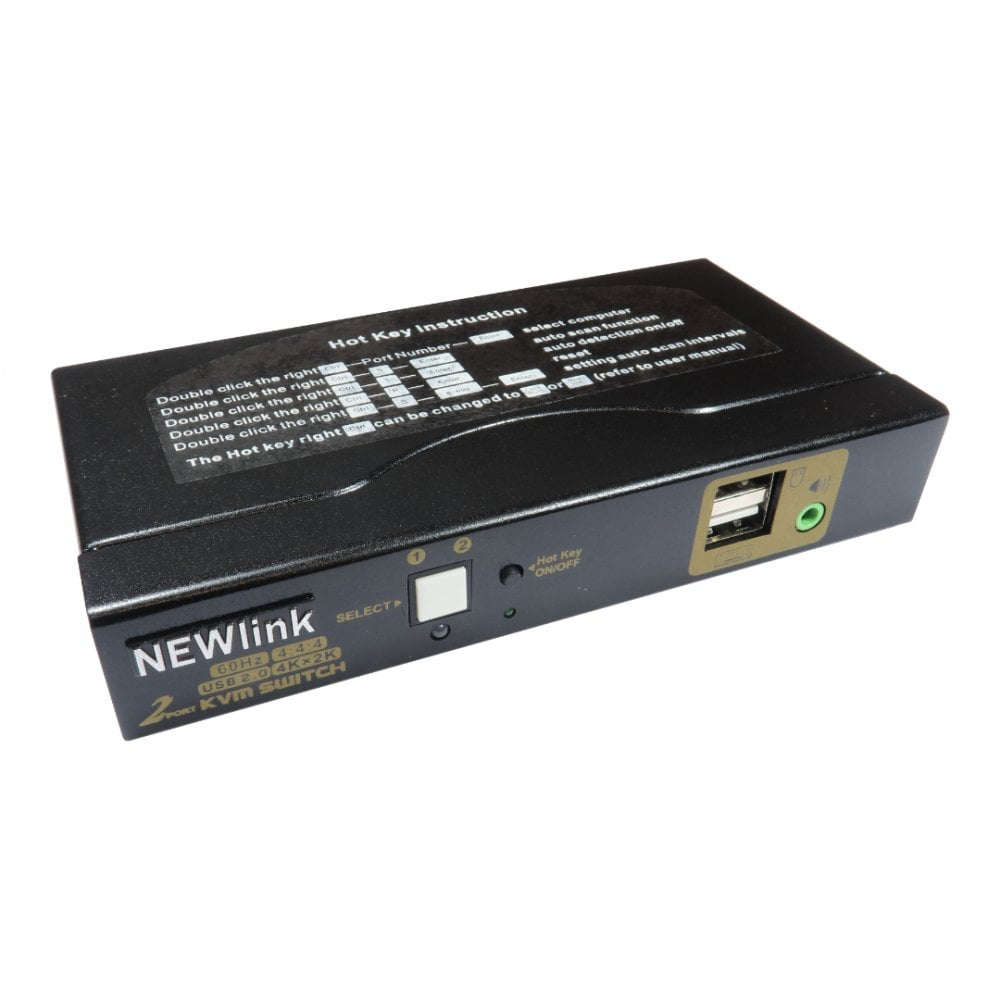
Cables Direct NLKVMHDMI-22A KVM switch Black
NovatechGBP 45.04 There are 4 offers for this product.
KVM switches allow you to control multiple computers from one keyboard. video monitor and mouse. The KVM supports USB mice. keyboards and HDMI displays.Installation is simple1. Connect computers to USB ports with a USB type A to type B cable to the KVM2. Connect HDMI cables to the displays and KVM3. Connect USB keyboard and mouse to the relevant ports on the back of KVM4. The front USB port can be used for other USB devices
Compare offers
-
ComputersDeal UnknownGBP 45.04
-
GamingKit UnknownGBP 54.05
-
Quzo UnknownGBP 64.14
-
Back to the Office Out of stockGBP 66.99