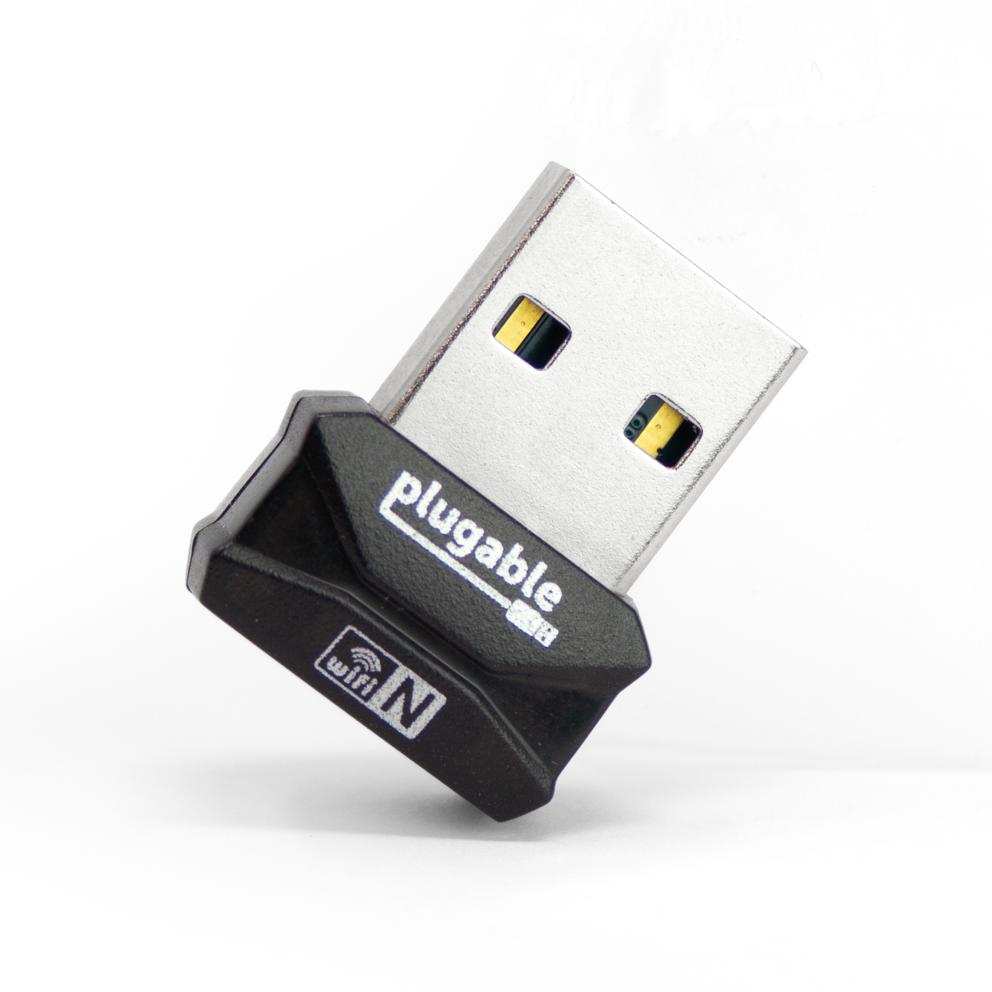
Plugable Technologies USB 2.0 Wireless N 802.11n 150 Mbps Nano WiFi Network Adapter (Realtek RTL8188EUS Chipset) Driverless Plug and Play for Windows
PLUGABLE TECHNOLOGIESGBP 13.44 There are 5 offers for this product.
Compact Easy-to-Add WiFiThe Plugable Nano WiFi USB Adapter is a simple way to add WiFi to a desktop. or to keep plugged into a laptop whose built-in WiFi isn't working anymore.Simple. sturdy. and compatible with Windows 10. 8.x. and 7. The adapter is ready to work on most devices out of the box. with drivers available separately for download (not included with the adapter).Compliant to the Wi-Fi Alliance's Wi-Fi 4 specification. with backward compatibility to previous WiFi standards. this adapter can establish up to a 150Mbps link rate to a 2.4GHz wireless access point for a fast and stable connection.The adapter fits snugly against the side of your laptop or PC. reducing the likelihood of breakage and staying out of the way of your other devices. The unobtrusive red LED inside the adapter helps indicate wireless activity while keeping your focus on the task at hand.Choose Better Connection Stability or Better PerformanceWiFi relies on a harmony between your router. and the device connecting to it. In less populated areas be sure that your access point uses 40MHz channel widths (instead of 20MHz) to get the optimal performance from the adapter. otherwise performance will be halved. However. for more dense urban environments. it may be necessary to use 20MHz channel widths to compete with surrounding radio interference.Due to being a single-band adapter. the adapter will only connect to 2.4GHz access points. 2.4GHz WiFi technology has the advantage of offering better range than those using 5GHz.Configuring for the Best Connection While Avoiding Wireless InterferenceTo get the best performance. there are technical considerations to make. Be sure that the adapter is plugged into the front of your computer if using a tower-style PC. use a USB 2.0 port (instead of USB 3.0). and try to keep a clear line-of-sight between your WiFi adapter and the router. This will help to avoid common sources of 2.4GHz wireless interference in order to provide optimal range and performance.
Compare offers
-
ComputersDeal UnknownGBP 13.44
-
PcNova UnknownGBP 16.13
-
GamingKit UnknownGBP 16.13
-
Back to the Office In StockGBP 18.99
-
Quzo UnknownGBP 19.76
Specifications
Features
- 2.4 GHz
- Yes
- 5 GHz
- No
- Maximum data transfer rate
- 408 Mbit/s
- Maximum data transfer rate (2.4 GHz)
- 150 Mbit/s
- Networking standards
- IEEE 802.11n
- Bluetooth
- No
Ports & interfaces
- USB 2.0 ports quantity
- 1
- USB connector type
- USB Type-A
Power
- Power over Ethernet (PoE)
- No
Design
- Product colour
- Black
- LED indicators
- Activity
Antenna
- Antenna type
- Internal
- Antenna features
- Integrated antenna
- Antennas quantity
- 1
Packaging content
- Quantity per pack
- 1 pc(s)
Database Right data-sheet 2026 Icecat. All rights reserved. · Specs Icecat